
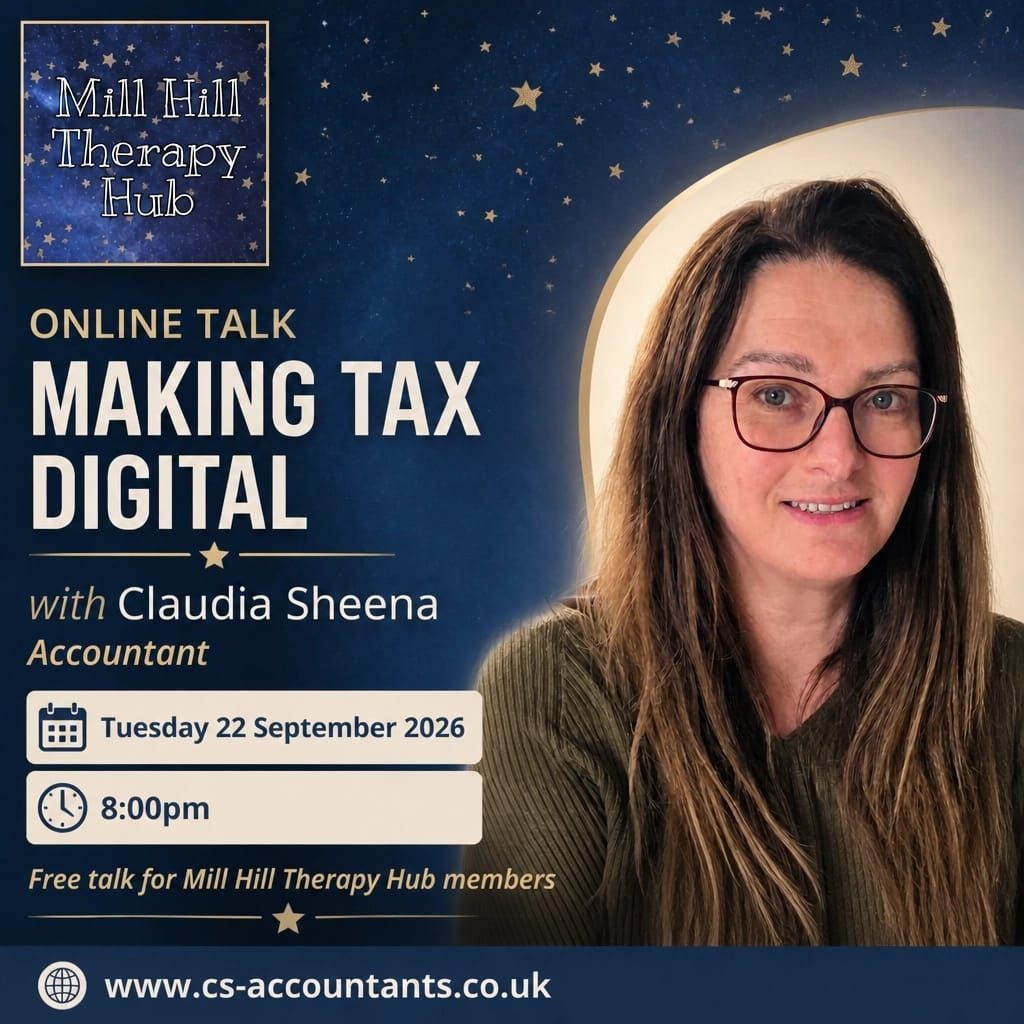
We were pleased to welcome our Hub members to a free online webinar on 22 September 2026, focused on Making Tax Digital, also known as MTD.
We know that tax and bookkeeping can feel like a lot to take on alongside client work, room bookings and the everyday demands of running a private practice. Our aim with this session was to make the changes clearer and more manageable for our community. 🌟
We were joined by Claudia Sheena FCA of CS Accountants, a Fellow Chartered Accountant with more than 25 years of experience. Claudia shared practical guidance about who is affected, what needs to be done and how members can start preparing.
Here is our recap of the key information.
Who is affected?
Making Tax Digital for Income Tax affects self employed sole traders who work under their own name rather than through a limited company. It also affects landlords with UK property or overseas property.
An employee who is employed only is not affected. Limited companies and partnerships are not affected by these rules either.
However, an employee who also has a side self employment may still need to comply. The important point is to look at your self employment and property income rather than assuming that your employment status tells you everything you need to know.
Exemptions are extremely rare. They are only accepted where there is a very strong reason, so it is safest to prepare on the basis that MTD will apply if your income reaches the relevant threshold.
What are the thresholds and dates?
MTD went live from April 2026 for those with qualifying turnover of £50,000 or more.
The threshold then drops to £30,000 from April 2027 and to £20,000 from April 2028.
It is important to remember that this is turnover, meaning your gross income or rent received. It is not your profit after expenses.
If you have both self employment and rental income, the combined total counts. For example, you do not look at each source separately. You add the relevant self employment income and rental income together when checking the threshold.
For many members, the next key deadline is 7 August 2027. By then, you should:
- Choose your MTD compatible software.
- Register with HMRC for MTD.
- Link your software to your HMRC account.
Claudia recommended doing this early because the setup can be fiddly. You can register and get everything ready before choosing exactly when to start using the system.
If you are already in the regime and file late, there is a grace period until 5 April 2027. After that, a points based penalty system applies, in a similar way to driving licence points.
What do you actually need to submit?
One of the most useful clarifications from the webinar was that MTD does not mean submitting five tax returns.
You will need to make four quarterly digital submissions, followed by one final annual tax return.
The quarterly submissions are cumulative. This means that if you make an error, it can simply be corrected in the next quarter rather than requiring a separate process to undo the previous submission.
Each quarterly submission is due one month and seven days after the end of the relevant period. The dates are:
- 7 August
- 7 November
- 7 February
- 7 May
The final return is still due by 31 January.
The quarterly updates only summarise your self employment or rental income and relevant expenses. Other items, such as bank interest, dividends, pensions and charitable donations, remain on the final return.
Tax payment dates are unchanged for now. Payments remain due in January and July, although Claudia expects this to evolve over time.
Digital records must be kept, which means regular bookkeeping rather than a January panic. Keeping your records up to date throughout the year should make the quarterly submissions much more straightforward.
Which software should you use?
Claudia’s top recommendation is FreeAgent. This is free if you hold a business bank account with a NatWest Group brand, including NatWest, RBS, Ulster Bank or Mettle.
Her personally preferred package is Xero. The basic version costs around £7 plus VAT a month and is sufficient for MTD.
Spreadsheets can still be used, but they need bridging software to connect them to HMRC. TaxCalc and Absolute Tax were also mentioned during the webinar.
HMRC’s website has a full list of compatible software, as well as a tool to help you choose the right option for your circumstances.
Marc also shared a useful sole trader tip. When searching for a bank account or software package, try searching for “sole trader account” rather than “business account”. Business accounts are often aimed at limited companies, so this wording may help you find more relevant options.
What is Claudia’s single biggest piece of advice?
Use a separate bank account for your business rather than your personal account.
This keeps bookkeeping much simpler because you do not have to work through every personal transaction and decide whether it relates to your practice. It also limits what HMRC would ever need to see if they ask questions.
The account does not strictly have to be a dedicated business account, although banks often insist on this. The key point is to keep your business income and expenses separate from your personal spending wherever possible.
It is a small change that can make a significant difference to the amount of administration involved. ✅
Which costs belong on the final return?
We also discussed a few areas that can be confusing.
Working from home costs, charity donations and pension contributions are not business expenses. They will generally go on the final return rather than being included in the quarterly updates.
Switching to monthly invoicing may also reduce the number of transactions you need to process at once. With automated software, the additional administration should be limited.
If you later incorporate as a limited company, you must tell HMRC that you have ceased trading as a sole trader and close down the MTD side. You should not simply ignore the old sole trader records or submissions.
There were plenty of questions about setting up bank accounts and what counts as an allowable expense. We know these practical points are often where the uncertainty sits, which is why we are planning a follow up session on allowable business expenses and software setup for October 2026.
What should Hub members do next?
If MTD may apply to you, we suggest starting with these three steps:
-
Open a separate dedicated business or sole trader bank account.
-
Check your income against the £50,000, £30,000 and £20,000 thresholds to find your compliance date. Remember to look at turnover, not profit, and combine self employment and rental income where relevant.
-
Choose and set up MTD compatible software. FreeAgent and Xero were Claudia’s recommended options, although the right choice will depend on your own circumstances.
You do not need to complete every part in one evening. Starting early gives you time to compare software, ask questions and become comfortable with your bookkeeping routine before a deadline arrives.
Looking for a bank account right now?
As an optional extra, here is a timely offer for anyone who is currently comparing sole trader or business bank accounts.
Starling is offering a very timely £50 refer a friend incentive and it's a free account! For anyone thinking about Starling, please use the code and we will throw in an extra room rental on top (or £15 of Hub credit if you don't rent rooms).
"We can both earn £50 when you open a Starling business or sole trader account. You need to open an account with my code and make a payment in the first 30 days to be eligible. Download their app and use my referral code: 3Y1YI8V . T&Cs apply: https://www.starlingbank.com/legal/terms/starling-referral-terms/"
iOS: https://apps.apple.com/gb/app/starling-mobile-banking/id956806430
Android: https://play.google.com/store/apps/details?id=com.starlingbank.android
How does this fit into our Hub community?
One of the reasons we run sessions like this is because private practice is about much more than seeing clients. There are accounts, systems, referrals, room bookings and many other responsibilities happening behind the scenes.
Our annual membership is designed to help practitioners feel less alone with some of those wider challenges. Members can access our website listing, referrals, social media promotion, invitations to our socials and opportunities to learn with other practitioners.
Members can also join our WhatsApp community. Within the community, there are interest based groups where practitioners can connect around shared interests, ask practical questions and continue conversations between events. It is another way for our members to find support and feel part of the wider Hub.
You can find out more about room rental and annual membership on our Services and Membership page.
Where can you find out more?
Claudia and her team at CS Accountants can provide further accountancy support. Their discovery call booking link is available for anyone who would like to explore their options.
Claudia also shared a free guide called Making Tax Digital for Income Tax: what small business owners and landlords need to know. It is delivered by joining Claudia's newsletter.
Thank you to Claudia Sheena FCA of CS Accountants for making a complicated topic feel clearer and more practical for our members. If you have questions following the webinar, please reply and let us know.
If you would like to talk to us about the Hub, our rooms or membership, you are welcome to use our contact page or book a chat with Marc through his Calendly link. We are always happy to help where we can. 🌟
0 Comments